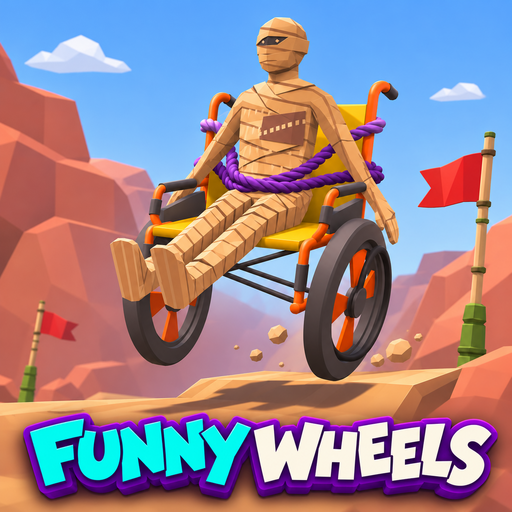
About Funny Wheels
Funny Wheels puts you in control of a wheelchair instead of a typical platformer avatar. The goal is to cross obstacle-heavy stages, maintain balance, and reach the finish without flipping, crashing, or falling off the path. Azgames describes it as a fast-paced challenge where perfect timing and momentum mean everything.
Unpredictable physics make even small steering mistakes snowball into spins or tip-overs. You cannot simply roll forward forever—both wheels must cooperate so the chair moves in one direction while staying upright.
Funny Wheels Gameplay
You push each wheel separately. Forward progress needs coordinated pushes, while steering blends left and right inputs to keep the chair stable. Sudden or conflicting commands throw off direction and often end the attempt immediately.
Courses mix tight corridors, moving platforms, and tricky paths. The official page warns that staying alert to every threat matters because minor errors create unwanted turns at once.
How to Play Funny Wheels
Master the dual-wheel inputs first on simpler stages. Push both wheels to advance, adjust one side to steer, and avoid tapping keys out of rhythm when crossing narrow ledges. Reach the finish line to clear a level; later layouts add sharper timing demands with little room for mistakes.
- Coordinate wheels: Both sides need to work together for straight movement.
- Read the course: Watch moving platforms and tight gaps before committing to a push.
- Practice: Frequent fails are normal—replaying early levels builds the muscle memory later stages expect.
Obstacles and Balance
Environments are built around traps and narrow routes rather than open sprinting. Balance and momentum decide whether you clear a gap or tumble into the void. Stable, deliberate movement usually beats spamming either wheel key.
Levels and Difficulty
Finishing a stage unlocks tougher layouts with more complicated obstacles. Difficulty ramps through stricter timing requirements and denser hazard placement, so focus and consistency become as important as raw reaction speed.
Funny Wheels Controls
- A / Left Arrow: Push the left wheel.
- D / Right Arrow: Push the right wheel.
- R: Return to checkpoint.
- I / K: Tilt the camera vertically.
- J / L: Turn the camera sideways.
- Spacebar: Reset the camera view.
Pro Tips for Funny Wheels
- Rhythm over spam: Short, controlled pushes keep momentum without tipping the chair.
- Use checkpoints: Press R after a bad fall instead of replaying the whole stage from scratch.
- Angle the camera: I/K/J/L and Spacebar help you judge slopes and gap distances.
- Stay centered: Hugging safe ground on moving platforms reduces surprise spins.
Funny Wheels FAQs
- What do you control? A wheelchair with separate left and right wheel inputs.
- What ends a level attempt? Losing control, crashing, or falling off the course.
- Is there a checkpoint key? Yes—R returns you to a checkpoint on the official control list.
- What is the Azgames rating? 4.3 out of 5 based on 75 votes at the time this page was added.
- Where do I play it? The game embeds from https://gamea.azgame.io/funny-wheels/ and runs in the browser.